Never Miss an Appointment Again: Let an AI Calendar Assistant Run Your Week
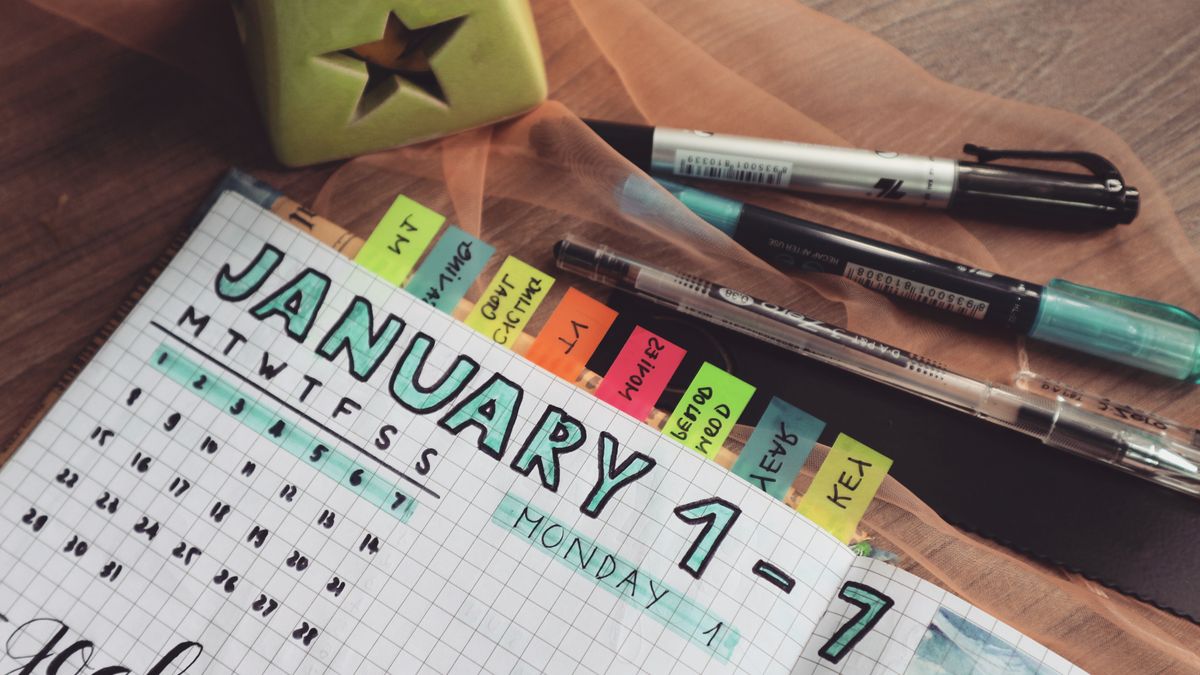
A missed appointment is rarely a memory problem; it's a system problem. The dentist card goes in a drawer, the reminder gets set for the wrong day, two things land at 2pm and nobody notices until one of them is now. An AI calendar assistant closes those gaps by doing the booking, the reminding, and the reshuffling for you, all from a plain sentence.
Why appointments slip through the cracks
Think about how a booking actually reaches your calendar. Someone tells you a date, you mean to add it later, later never comes. Or you do add it, but the reminder defaults to ten minutes before, useless for something you needed to leave the house for. Or it lands on top of an existing commitment you'd forgotten. None of these are willpower failures; they're friction in the path between "I need to be there" and "it's safely on my calendar with a reminder that works."
Remove the friction and the misses mostly disappear. That's the job an AI Calendar Assistant is built for. (First time here? Here's what oFaxy is.)
Book it the moment you hear it
The single biggest fix is capturing an appointment the instant it's said, in whatever words come out, with no form and no "I'll do it later." You type it the way you'd repeat it to a friend:
"Dentist Thursday at 3, remind me the day before."
"Parents' evening next Tuesday 6pm, remind me an hour ahead."
"MOT booked for the 22nd, remind me the morning of."
Each line becomes a calendar entry with the date, time, and the reminder you actually want, not a default you'll ignore. The gap between hearing it and having it handled shrinks to a few seconds, which is the whole game.
Let it catch the clashes
Double-bookings happen because you can't hold your whole week in your head. When a new appointment lands on top of something already there, the assistant flags the clash so you can move one before it becomes a problem. And because your tasks and appointments live in one view, not a calendar in one app and a to-do list in another, you see the real shape of the day, including the "pick up the kids" that isn't technically a meeting but absolutely blocks 3:30.
Reschedule in a sentence, reminders included
Weeks move. The difference between a calendar you trust and one you don't is how cleanly it handles change. Instead of dragging an event and then hunting for its reminder, you just say it:
"Push my 2pm to Thursday."
"Move the dentist to next week, same time."
The appointment moves and the reminder moves with it, so you're never nudged about the old slot or, worse, left with no nudge at all. This is the quiet reason things stop slipping: keeping the calendar honest costs one line, so it actually stays honest.
You don't miss appointments because you forget them. You miss them because adding, reminding, and moving them is fiddly enough that you put it off. Make each of those a single sentence and the misses go away.
Three habits that make it foolproof
- Capture on the spot. The instant a date is mentioned, say it into oFaxy. A five-second entry beats a perfect one you meant to add tonight.
- Set the reminder to the decision, not the event. "Remind me the day before" for anything you need to prepare for or travel to; ten minutes' notice is too late to be useful.
- Reschedule out loud. When something shifts, tell the assistant rather than mentally noting it. A plan you never update is just a plan you'll be surprised by.
Your calendar is one part of a bigger routine. To bring tasks, appointments, and even meals into the same ten-minute habit, read how to organise your week with AI, and if capturing to-dos is your weak spot, the AI Task Manager works the same plain-English way.
Frequently asked questions
How do I add an appointment without filling in a form?
You describe it, "dentist Thursday at 3, remind me the day before", and the AI reads the date, time, and reminder and puts it on your calendar. No date picker, no fields to tab through.
Will it stop me double-booking myself?
Yes. When a new appointment clashes with something already booked, the assistant flags it so you can move one. Because tasks and appointments share one view, you see the whole day, not just the calendar in isolation.
What happens to reminders when I reschedule?
They move with the appointment. Say "push my 2pm to Thursday" and the reminder shifts too, so you're never reminded about the old time or left with no reminder at all.
Put your week on autopilot.
Book, remind, and reschedule from plain English with oFaxy, free to start.