AI Task Management
Your day, organised by A.I.
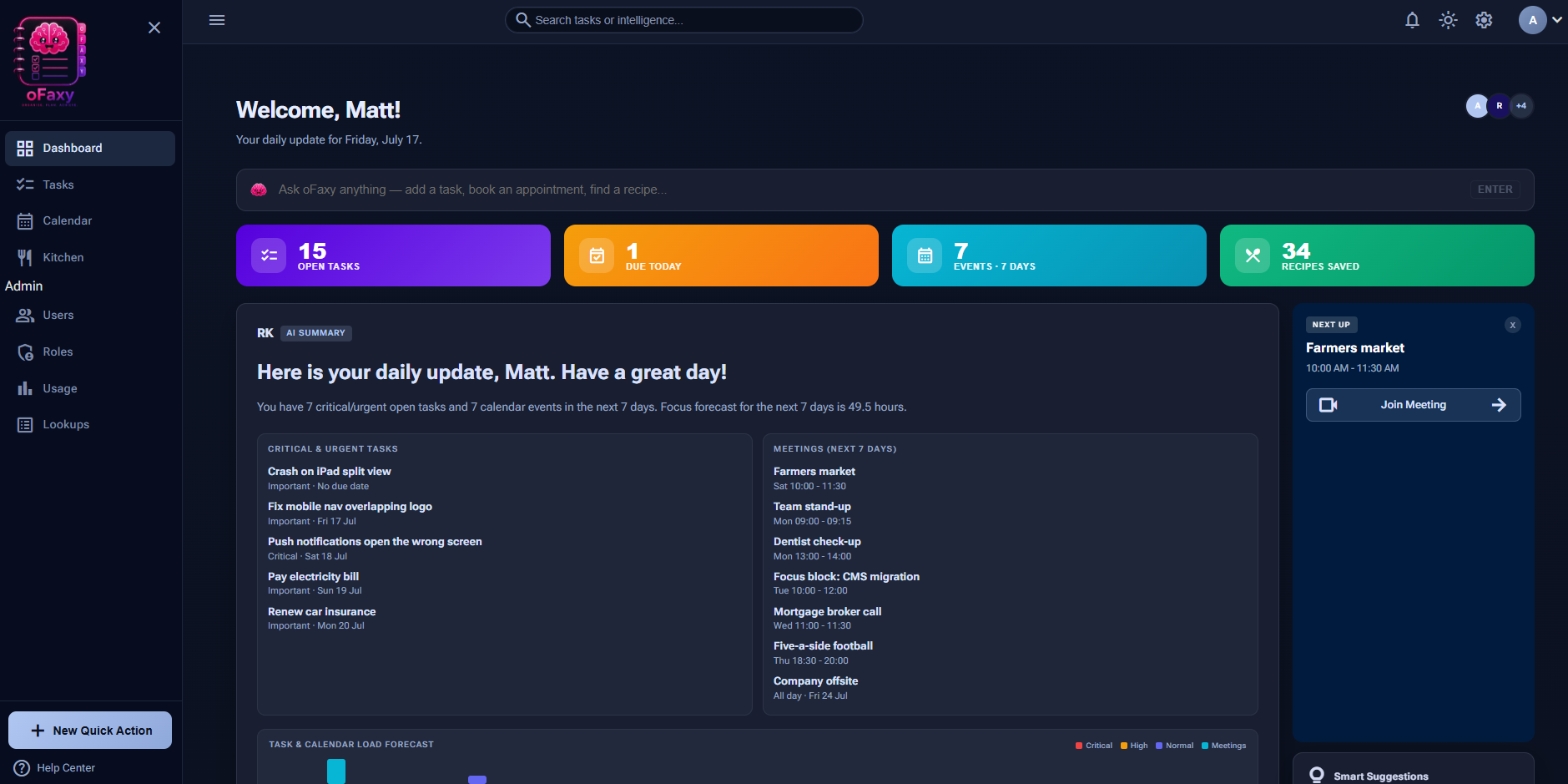
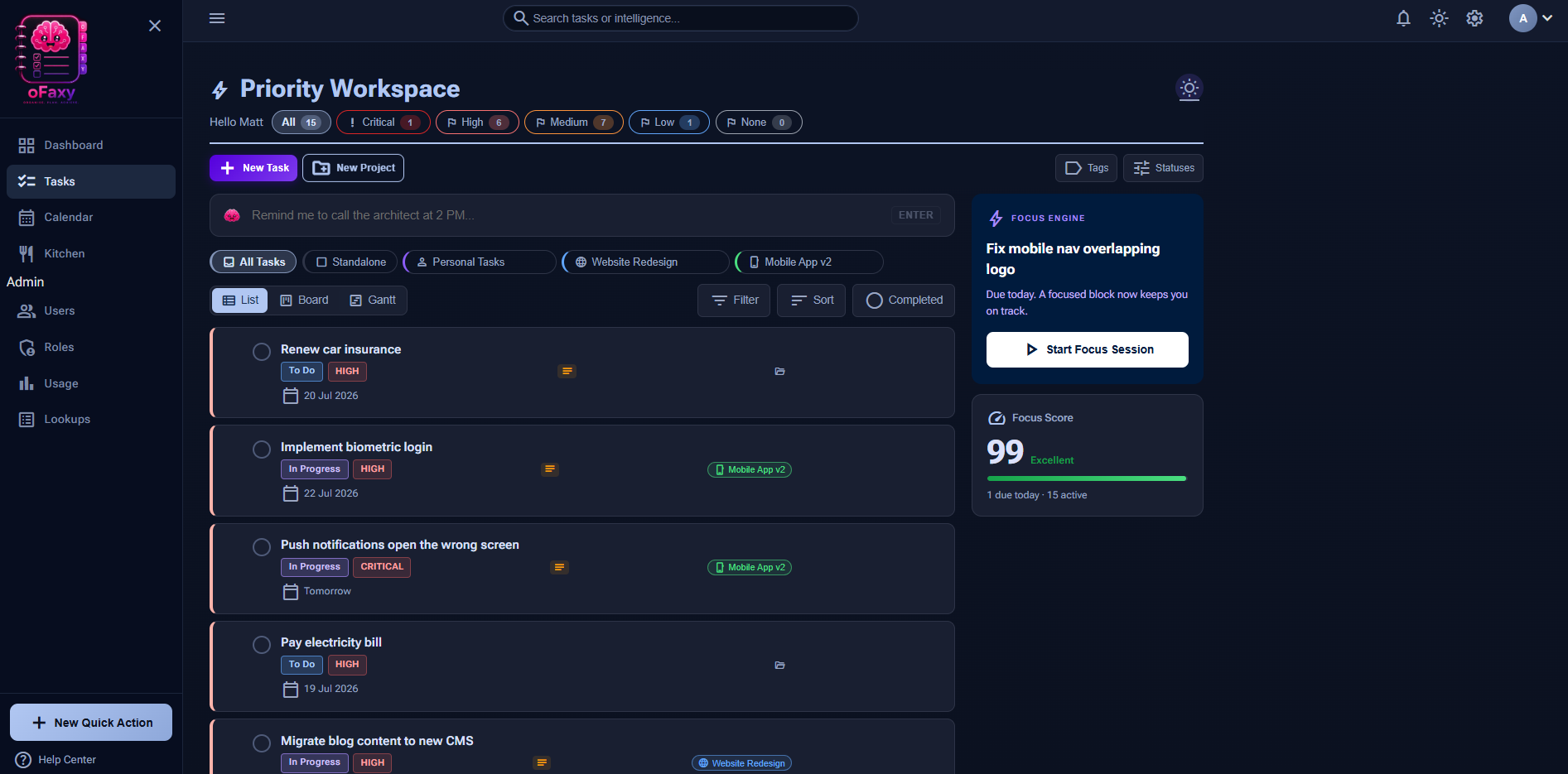
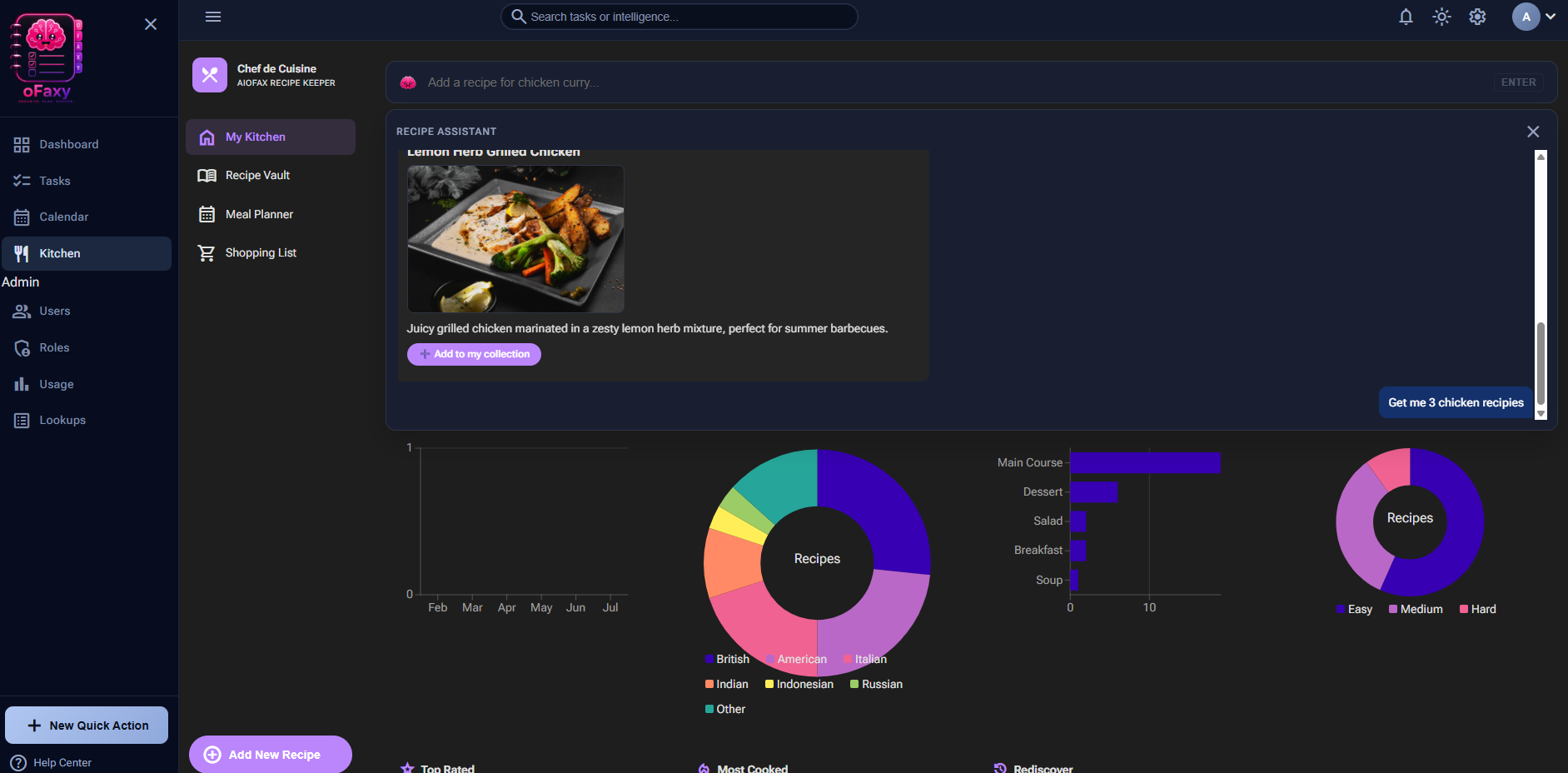
oFaxy turns a single line of plain English into tasks, appointments, and recipes. Say "Add a task to call the dentist" or "Create me a burger recipe" — and watch it happen.
Plain English in.
Action out.
Most apps make you stop, click through menus, and fill in forms. oFaxy doesn't. You describe what you need the way you'd tell a friend, and the AI does the organising — setting dates, priorities, and details for you.
Tasks, a calendar, and a recipe vault live together in one place and answer to a single command bar. Less admin, more done.
Stop clicking.
Start typing.
- playlist_add_check Create & edit tasks"Add a task to go to the doctors next Tuesday and remind me the day before."
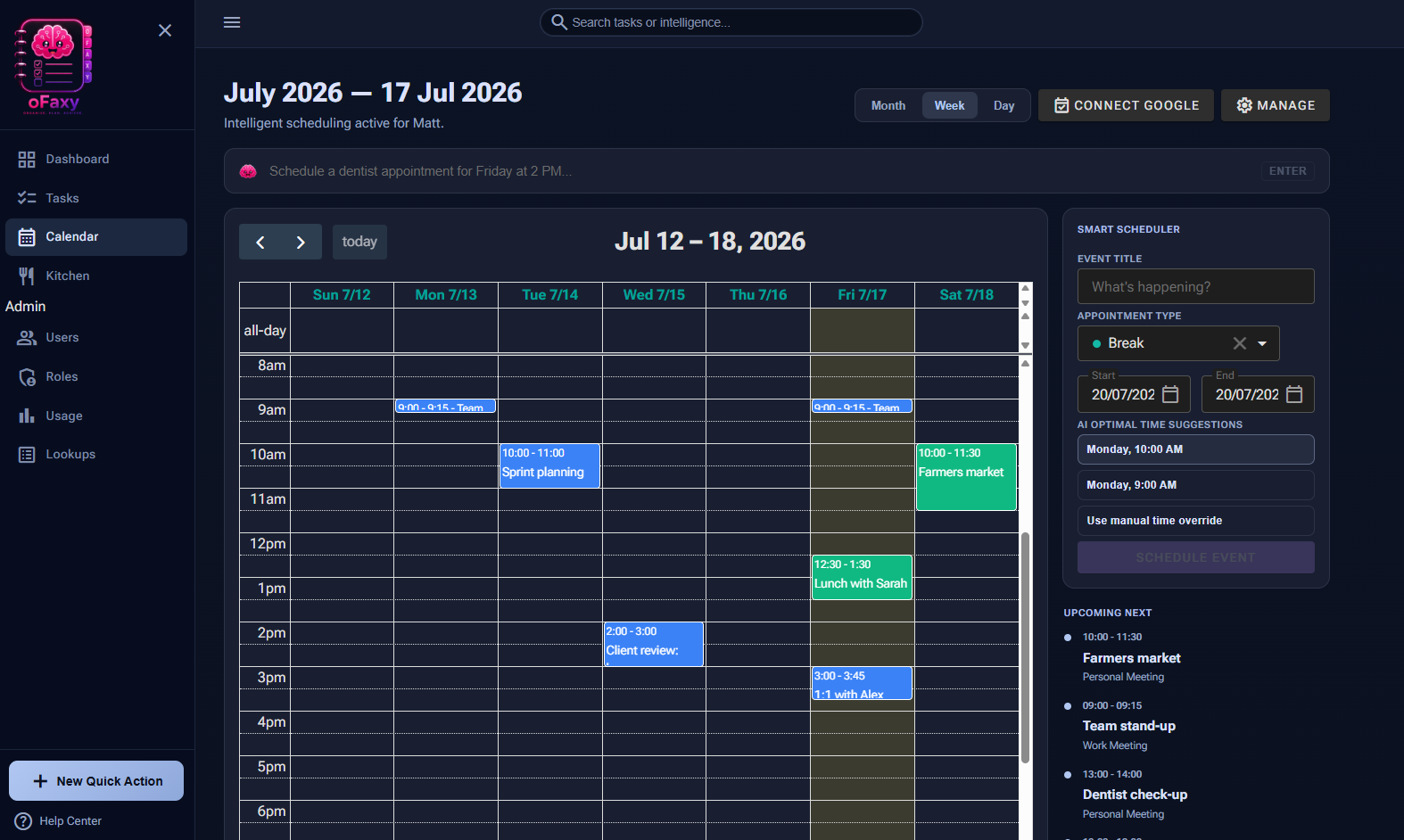
- event Book appointments"Schedule a dentist appointment for Friday at 3pm."
- restaurant Build recipes"Create me a classic burger recipe and add it to my vault."
One workspace
for the lot.
Four modules that talk to each other — and to you. No more juggling five different apps to run a single day.
Smart Tasks
Capture to-dos in a sentence. oFaxy sets dates, priorities, and reminders so nothing slips.
Subtasks · Priorities · Reminders arrow_forwardAppointments
Tell oFaxy when and where — it schedules the appointment and keeps your calendar in sync.
Day & week view · Reminders arrow_forwardRecipe Vault
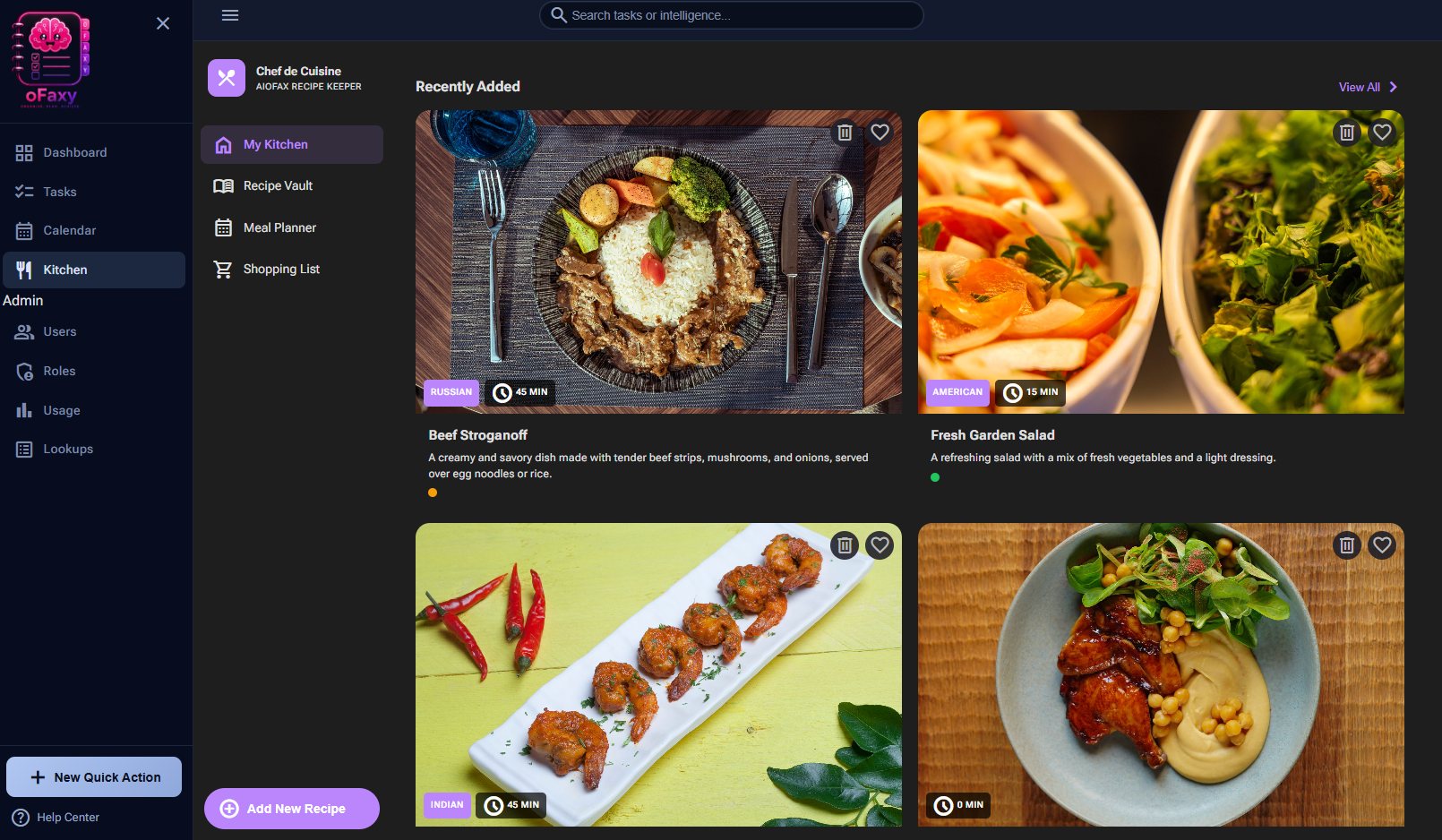
Ask for any dish and get a full recipe with ingredients, steps, and a photo — saved and searchable.
Auto images · Grocery lists arrow_forwardAI Assistant
A single command bar that understands plain English and acts across every module instantly.
Create · Edit · Organise arrow_forwardThought to
done in
seconds.
No setup, no learning curve. If you can type a text message, you can run your life with oFaxy.
Type what you need
Open the command bar and write it in plain English — a task, an appointment, or a recipe.
AI understands
oFaxy reads the intent, fills in the dates and details, and picks the right module for you.
It's done
Your task, appointment, or recipe is created and organised — ready to review or tweak.
Pick your
tier.
Start free and stay free for as long as you like. Upgrade when you want more AI, more sync, and priority support.
Personal
- checkBasic AI features
- checkStandard task lists
- checkSingle calendar sync
Pro — Recommended
- checkAdvanced AI core
- checkPriority support
- checkMulti-device sync
- checkCustom themes
Architect
- checkUnlimited AI tokens
- checkTeam collaboration
- checkCustom AI models
- checkEarly access features
Good to know.
What is oFaxy?add
How does the AI assistant work?add
Can oFaxy create recipes for me?add
Is there a free plan?add
Can I edit things after the AI creates them?add
Does oFaxy work on my phone?add
Is my data private and secure?add
Let's organise your day.
Join thousands turning plain English into a perfectly organised day with Ofaxy.
No credit card required · Free forever plan available