Plan a Week of Dinners with AI: Meals and a Grocery List in One Go
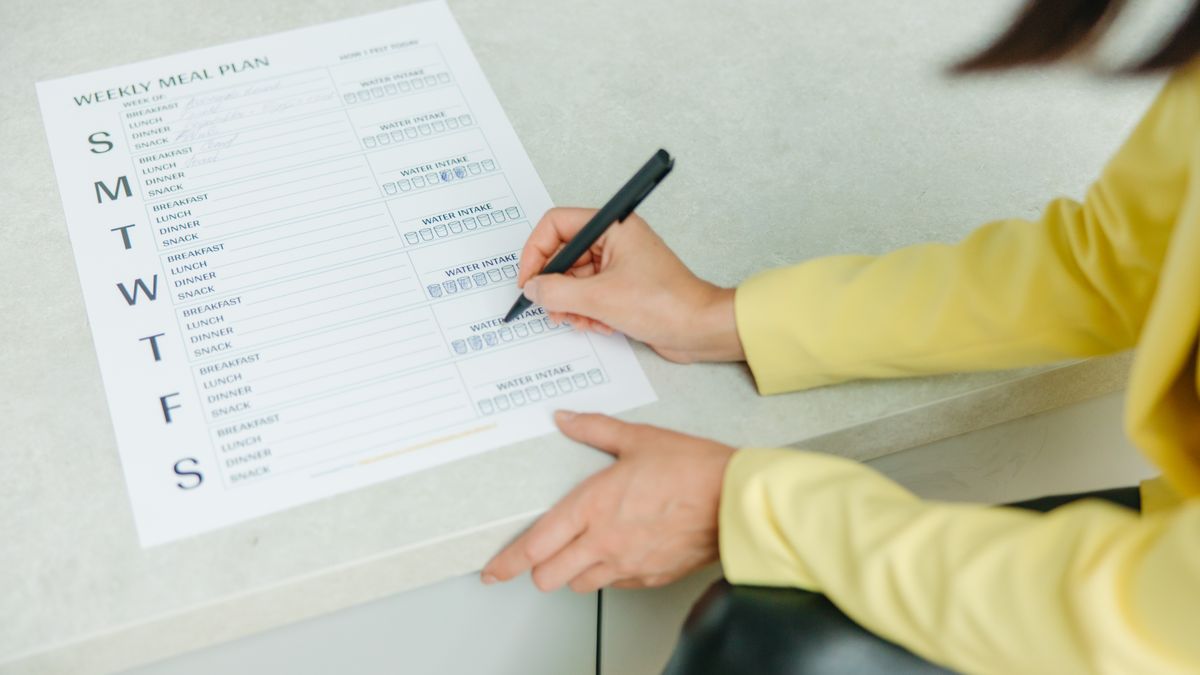
"What's for dinner?" is the small question that quietly eats your week. Answer it once, on purpose, and the rest of the week runs smoother. Here's how to plan seven nights of food in about five minutes, and get the shopping list for free, just by describing what you fancy.
The problem isn't cooking, it's deciding
Most people can cook. What wears them down is the daily 5pm negotiation: staring into the fridge, scrolling recipe sites, realising you're missing two ingredients, and defaulting to a takeaway you didn't really want. The effort isn't in the pan; it's in the deciding and the logistics. Batch that decision into one sitting and the whole week gets easier.
That's exactly the kind of chore an AI is good at removing. You bring the taste; it handles the translation into recipes, quantities, and a tidy shopping list. (If you're new to the idea, here's what oFaxy is in a nutshell.)
The five-minute weekly menu
Pick a quiet moment (after Sunday lunch works well) and go through these four steps. You're not aiming for a food-blog spread; you're aiming for "seven nights sorted."
1. Describe the week, not individual recipes
Start with the shape of the week rather than specific dishes. Talk to it like you'd talk to a partner who's offered to cook:
"Plan five easy dinners for this week: two veggie, nothing that takes over 30 minutes, and something the kids will actually eat on Friday."
The AI Recipe Assistant comes back with real meals, not a vague list. Don't like one? Say "swap the Wednesday one for a curry" and it re-plans that night only.
2. Set your constraints once
Allergies, dislikes, and diets are far easier to state than to filter for on a recipe site. Say "no nuts, vegetarian on weeknights, and keep the spice mild" and every suggestion, along with the shopping that follows, respects it. You set the rules of your kitchen in a sentence, and they stick.
3. Add the meals to the planner
Once the menu looks right, add it to your week. Now dinner isn't a floating intention; it's on the same planner as your tasks and appointments, so "cook the lasagne" sits alongside "leave by 6 for football." Food stops being the thing you forgot to plan around.
4. Let the grocery list build itself
This is the step that saves the most time. Instead of copying ingredients from five recipes into a notes app, oFaxy rolls them into one grocery list grouped by aisle (produce together, dairy together, tins together) and merges duplicates so you don't buy three bunches of coriander. You shop once, in one loop of the supermarket, with nothing forgotten.
One five-minute sitting replaces seven daily decisions, five recipe searches, and a scattered shopping list. You get your evenings back, and you stop paying the "didn't plan it" tax of last-minute takeaways.
Small habits that keep it effortless
- Keep a couple of "house favourites." Ask for the meals your household already loves by name so the week always has a safe bet or two, not just experiments.
- Plan five, not seven. Leave a night for leftovers and a night for spontaneity. A plan with breathing room is one you'll actually keep.
- Roll with the week. Eating out on Thursday? Say "move Thursday's dinner to Saturday" and the grocery list follows, so you don't waste food.
- Shop the whole list once. The aisle grouping only pays off if you buy the week in one trip. Half-shops rebuild the daily-decision problem you just solved.
Meal planning is really just weekly planning with a fork: the same "say it, don't file it" approach that works for tasks and appointments. If you want the full routine across your whole week, read how to organise your week with AI.
Frequently asked questions
Do I have to enter every ingredient myself?
No. You name the meals you want and the AI works out the ingredients, then rolls them into a single grocery list grouped by aisle. You only step in to tweak a quantity or swap something you already have in.
Can it work around allergies or a fussy eater?
Yes. Say it in plain English ("no nuts", "vegetarian on weeknights", "nothing too spicy for the kids") and the suggestions and the grocery list respect it. You can adjust any meal after the fact the same way.
What if plans change and we eat out one night?
Tell it, "we're out Thursday, move that dinner to Saturday", and the planner and grocery list update together, so you're not buying ingredients for a meal you skipped.
Sort this week's dinners in five minutes.
Describe what you fancy and let oFaxy plan the meals and the grocery list, free to start.